

How I Plan My Entire Family's Day in 60 Seconds — With Just My Voice
From the morning coffee to after-dinner chores, here's what a fully-organized family day actually looks like — no whiteboards, no sticky notes, no forgotten appointments.
How I Plan My Entire Family's Day in 60 Seconds — With Just My Voice
From the morning coffee to after-dinner chores, here's what a fully-organized family day actually looks like — no whiteboards, no sticky notes, no forgotten appointments.

Let me paint you a picture that might feel familiar. It's Tuesday morning. You've got a big meeting at 9, your son has after-school activities you're not sure you remember correctly, someone needs to pick up groceries, and you're pretty sure you promised to get a work deadline done by tonight. And it's all floating somewhere in your head — half in your phone calendar, half in a text thread, half on a sticky note on the fridge that the dog knocked behind the microwave two weeks ago.
That used to be my family. Three apps, two whiteboards, and one very overwhelmed parent on rotation. Family scheduling felt like a second job — and an unpaid one at that. Then we started using Kinmory — and the way we coordinate as a family completely changed. Not because we got more organized as people. But because the system finally worked for us.
Here's what a real day looks like.
One Voice Command. Everything on the Calendar.
Tommy is finishing his eggs. I'm on my second cup of coffee. I pick up my phone, open Kinmory, and just… talk.
"Today, 9 to 10 AM — product review meeting, Conference Room 3. 11 AM to 12:30 PM — investor meeting at Starbucks downtown. Tommy has math homework from 5 to 6 PM after school. I have a product launch event from 3 to 5 PM at the concert hall. The media copy needs to be done by 8 PM tonight. Tommy's chore today is mopping the floors. For dinner, I want to make lobster pasta. And we need to restock: yogurt, milk, onions, black pepper, and spinach."
That took about 45 seconds. No app switching. No typing. No trying to remember which calendar is for work and which is for family. Kinmory processes all of it — schedules, tasks, chores, a meal plan, and a grocery list — and sends me a confirmation card to review.
I tap Accept All. Done. Every item — my work schedule, Tommy's homework block, his chore, tonight's dinner plan, and the grocery list — is now on the family calendar app for iPad that lives on our kitchen island. Every family member can see it.
"I used to spend 20 minutes every morning texting my husband what needed to happen that day. Now it's one tap, and we're all on the same page before I leave the driveway."
— Real Kinmory user, mom of two, Chicago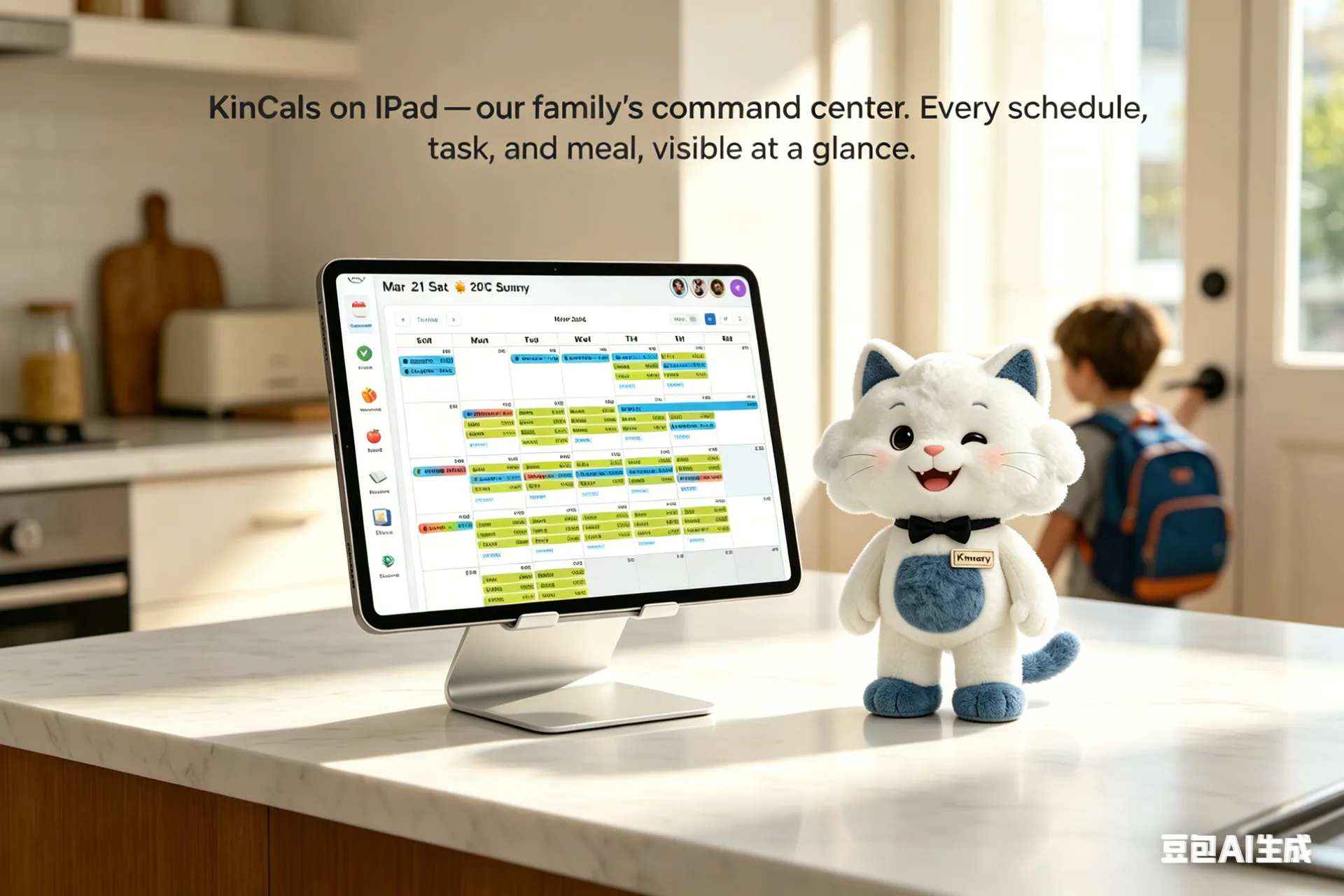
This is how to sync family schedules without anyone having to manually share or update anything. What I say in the morning becomes what everyone sees on the screen by the kitchen. My husband, who leaves for work early, can check KinCals on his phone. Tommy knows exactly what to do when he gets home. No texts needed.
Asking Kinmory the Hard Question: When Am I Free Next Week?
The investor meeting wrapped up well. Walking back to my car, I remember I promised to schedule a call with a partner while I'm in Seattle next week — Wednesday through Friday. But I have absolutely no idea when I'm free during those three days. I don't bother spelling it out. I just ask Kinmory.
Notice I didn't say "Wednesday through Friday" or "Seattle." Kinmory already knows my travel schedule from earlier entries. A query as vague as "my business trip next week" is enough — it figures out the dates, cross-references my calendar, and surfaces the answer. This kind of reasoning across incomplete context is what makes Kinmory different from a simple best family organizer app. The AI agent behind it doesn't need perfectly structured input. It works the way you actually think and talk.

The Grocery List Goes Straight to Instacart
The product launch event ran a little long — which is fine, because I'm not the one who needs to run to the grocery store. On my way out, I open Kinmory and check the shopping list from this morning. Yogurt, milk, onions, black pepper, spinach. With one tap, it syncs to Instacart. Delivery will be at the house before I get home.
There's something underrated about this moment. I didn't have to remember what we were out of. I didn't have to text my husband a list while walking to the parking garage. I said it once, this morning, while pouring coffee. That's it.
Tommy Walks in the Door and Already Knows What to Do
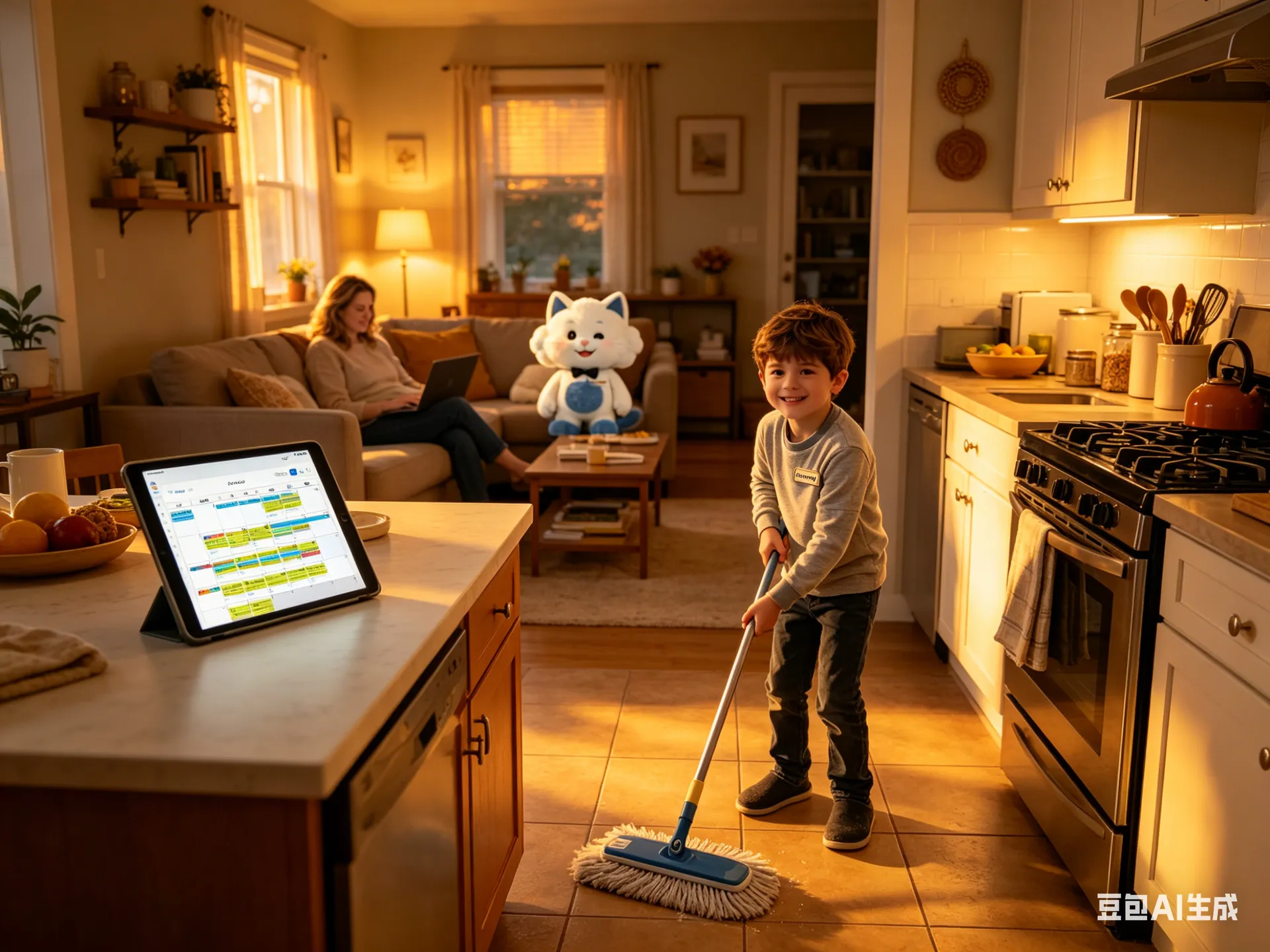
Tommy gets home, drops his backpack, and looks at KinCals on the iPad on the kitchen island. His color-coded schedule is right there: Math homework, 5–6 PM. Chore: mop the floors. He doesn't need to ask me. He doesn't need to wait for a reminder. He just… sees it. And somehow, the visual accountability of a screen is more effective than a parent's voice from the other room.
Using a family chore chart app that's tied directly into the calendar means chores don't exist in a separate silo. Tommy's responsibilities sit right next to his homework block and after-school activities. He sees the full picture of his day — and so do we.
The Recipe Is Already on the Screen. Just Start Cooking.
I get home, Instacart delivery is already on the porch. I set the groceries down on the island, look up at KinCals, and the lobster pasta recipe is right there — step by step, on the same screen that showed everyone's schedule all day.
No phone propped against the coffee maker, no tablet balanced on a cookbook stand. Our family calendar app for iPad is our kitchen companion too. The same screen that showed Tommy his homework block at 3:30 is now showing me how long to cook the pasta at 6:45.
"Mom, I Brought Home the Tennis Schedule."
We're halfway through dinner when Tommy pulls a paper schedule out of his backpack — his new tennis class timetable, 8 weeks of sessions, every Tuesday and Thursday at 4:30. Normally this is the moment the paper gets set on the counter and never seen again.
Instead, I pick up my phone, open Kinmory, point the camera at the schedule, and take a photo. The app reads the dates, times, and activity name — and in about ten seconds, all 8 sessions are on the family calendar, synced to KinCals, and visible to everyone in the household.
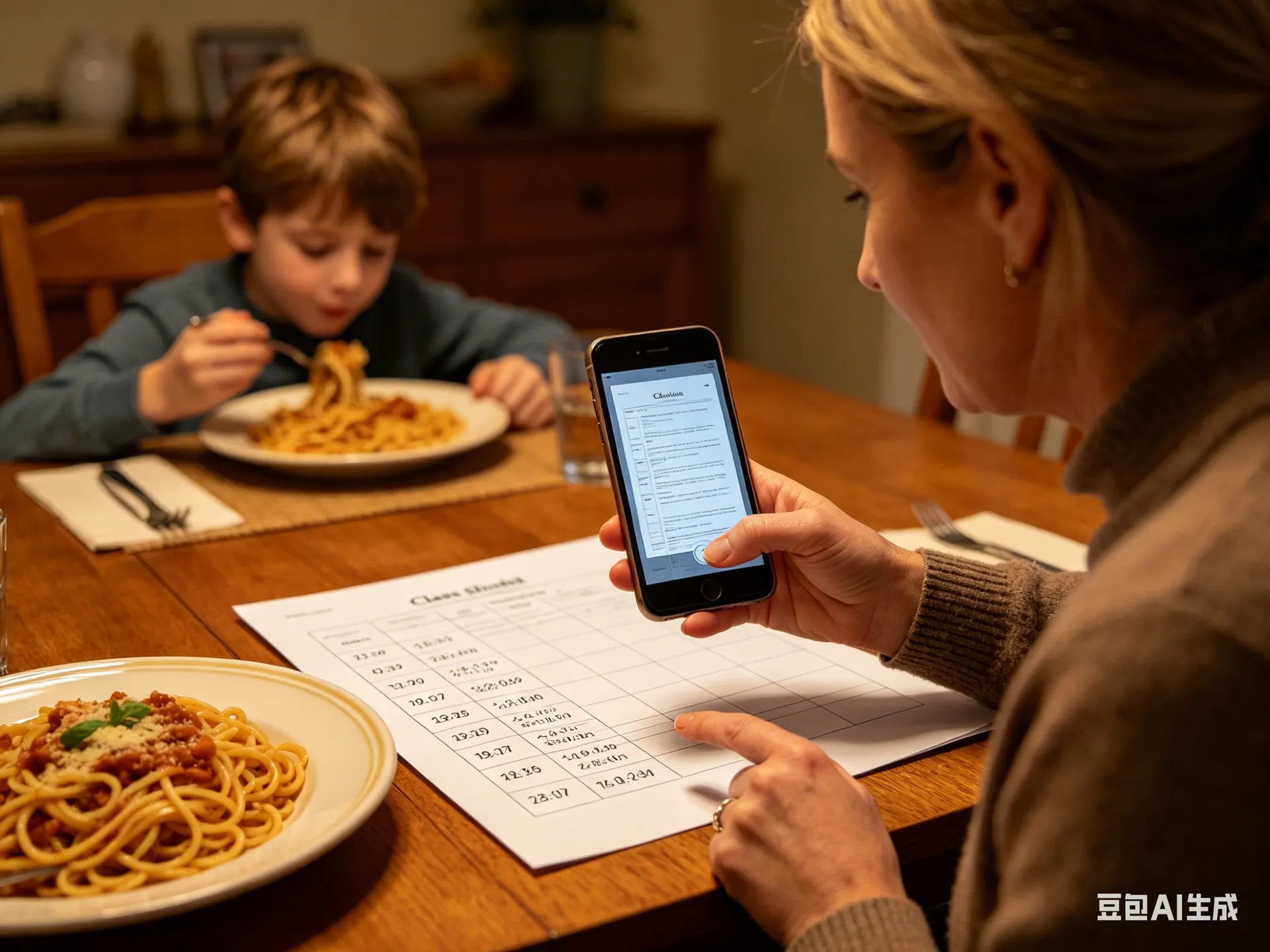
This is one of those features that sounds small until you've had it. Every parent has a drawer full of paper schedules and permission slips. Being able to scan a physical document and have it automatically populate your family calendar app is — quietly — a life-changer.
The Day Closes Itself. Nothing Falls Through.
After dinner, everyone drifts into their end-of-day routines — but KinCals keeps everyone honest. Tommy sees his mopping chore is still marked as incomplete. No reminder from me, no nagging, no negotiation. He just… does it. Because it's on the screen, and because there are points involved.
Tommy completed: Mop the floors
Tapped "Task Complete" on KinCals at 8:14 PM
The points system built into Kinmory's family chore chart app turns household tasks into something kids actually want to engage with. Tommy is 47 points away from his next reward — he's keeping track more carefully than I am.
Meanwhile, I'm in the home office, knocking out the media copy that's been sitting on my task list since this morning. It's due by 8 PM. I finish it at 7:52. I mark it complete on my phone.
Today's full day, visualized:
"Nothing got forgotten. Nobody got a last-minute text asking 'wait, when is that?' It was just… a good day."
Why This Works — And Why Other Apps Don't
If you've tried every other best family organizer app 2026 has to offer — Cozi, Google Calendar shared with family, a notes app, a whiteboard — you know the fundamental problem: they require you to update them. They're passive containers. You put things in manually, separately, repeatedly.
Kinmory is different because it listens, understands context, and distributes information automatically. Family scheduling stops being a chore when the app does the heavy lifting — parsing what you say, routing it to the right person, and syncing it everywhere at once.
And because everything lives in one place and displays on the KinCals iPad dashboard, there's no need to text family members, check four different apps, or hope everyone saw the update. The screen in your kitchen becomes the single source of truth for your household.
Related reading
- A Family Organization System Should Survive a Busy Week
A resilient family organization system favors quick capture, visible next actions and easy recovery over perfect routines and constant maintenance.
- The Family Information Handoff Problem
A practical way to stop school notices, appointments and family tasks from getting lost between inboxes, conversations and calendars.
- How Household Information Work Is Measured
A methods audit of how researchers observe household information work: units of analysis, data sources, visible processes, and recurring blind spots.
- The Missing Map of Household Information
A structured evidence map of how families receive, interpret, allocate, store, transfer, retrieve, act on, and monitor everyday information.
Bring your family's plans into one place.
Use Kinmory on the web or phone to share calendars, tasks, meals and the information your household needs next.

Scan to Download
Point your camera here
kinmory.ai/download/kinmory