
Tablet-optimized layout
Designed specifically for tablet screens, with more room for shared family information.
Turn any tablet into a beautiful family dashboard. Calendar, chores, meals, shopping lists — all visible at a glance. Place it in the living room as your family's command center.
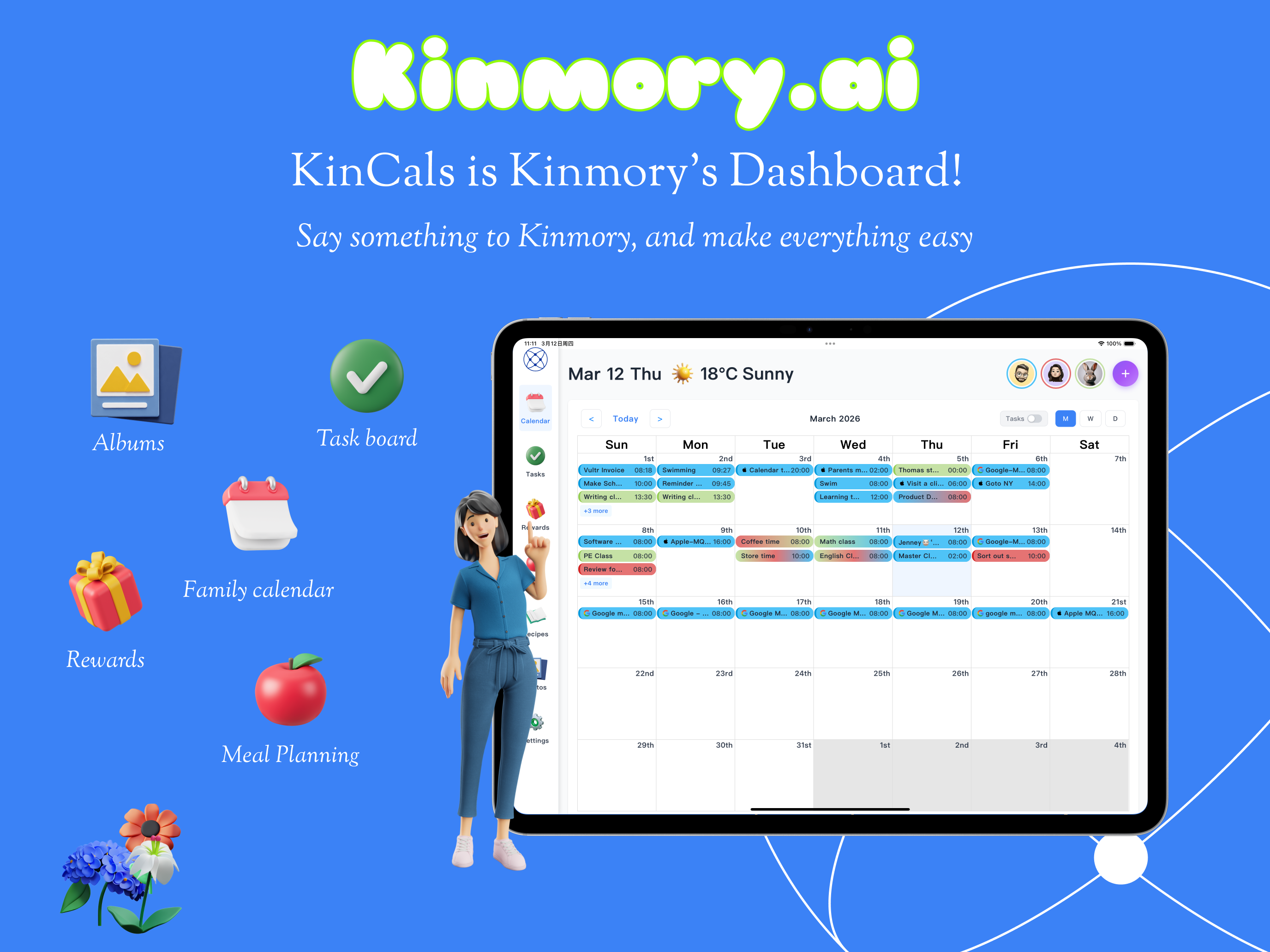
KinCals
Designed specifically for tablet screens, with more room for shared family information.
Use iPad Split View or Android multi-window to check the schedule while handling messages.
Use Apple Pencil or another stylus for notes, schedule annotations and mind maps.
Pinch to zoom, swipe between views and long-press for quick edits.
Place the tablet in a shared room as an information center everyone can use.
High-resolution layouts and smooth transitions keep family plans easy to read.
Use landscape for more detail or portrait for one-handed use.
Children can view their tasks and schedule without changing family settings.
Switch family members quickly so each person sees a personalized view.