
Reuse your television
Bring the family plan to a screen everyone can see from across the room.
KinTV is a family calendar app for compatible Android TV and Google TV devices. Bring schedules, tasks, meals, rewards and family photos to the biggest shared screen you already own.
Requires the Kinmory app for family setup and pairing.
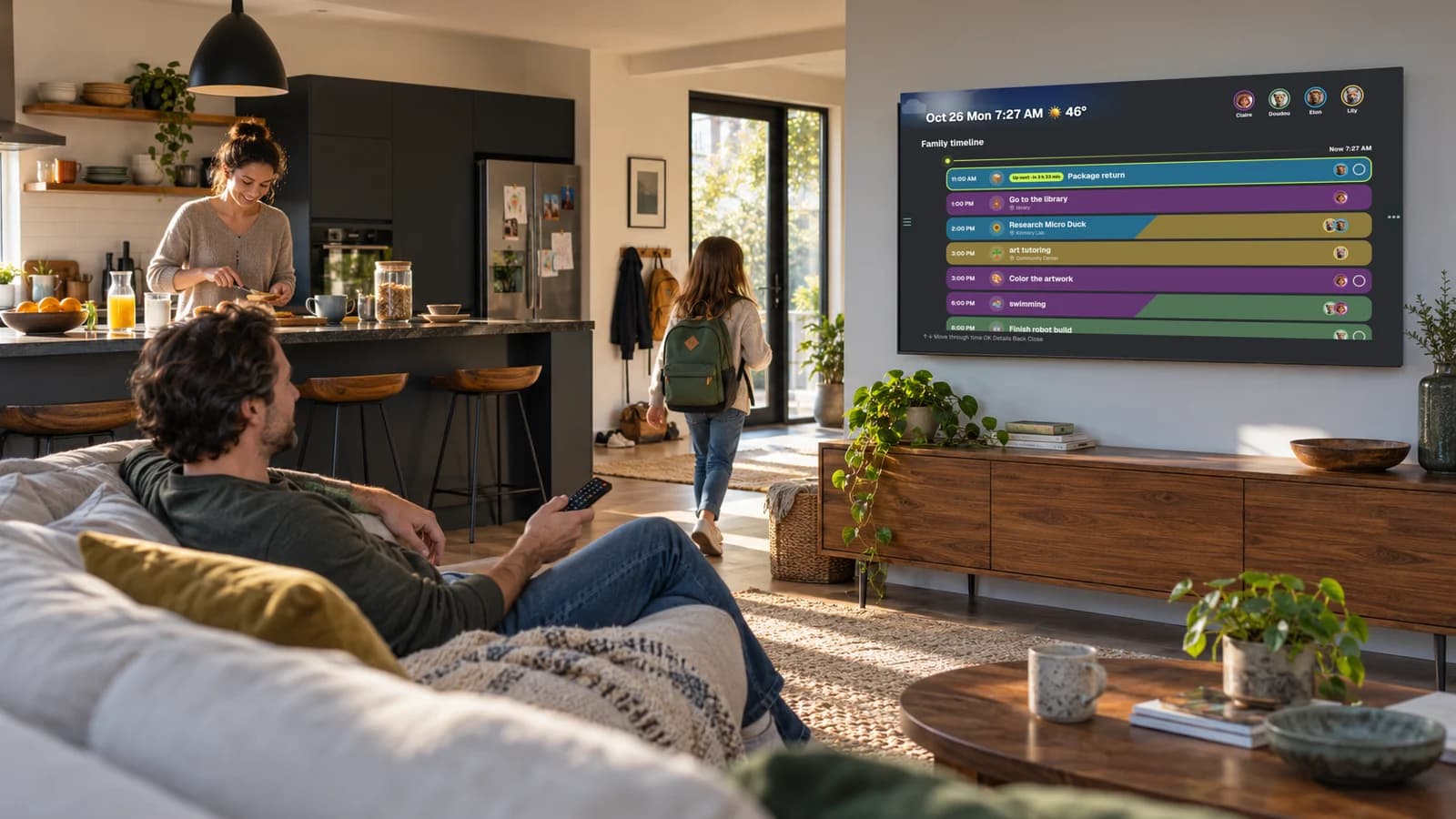
Use the screen you have
Dedicated calendar displays can be useful. But if your family already has a compatible television in the right room, KinTV gives that screen another purpose—without adding another piece of hardware.
Bring the family plan to a screen everyone can see from across the room.
No extra calendar screen to buy, mount and make room for when a TV already fits your routine.
More than a calendar grid
One TV family organizer for the plans, responsibilities, meals and memories that shape the day.
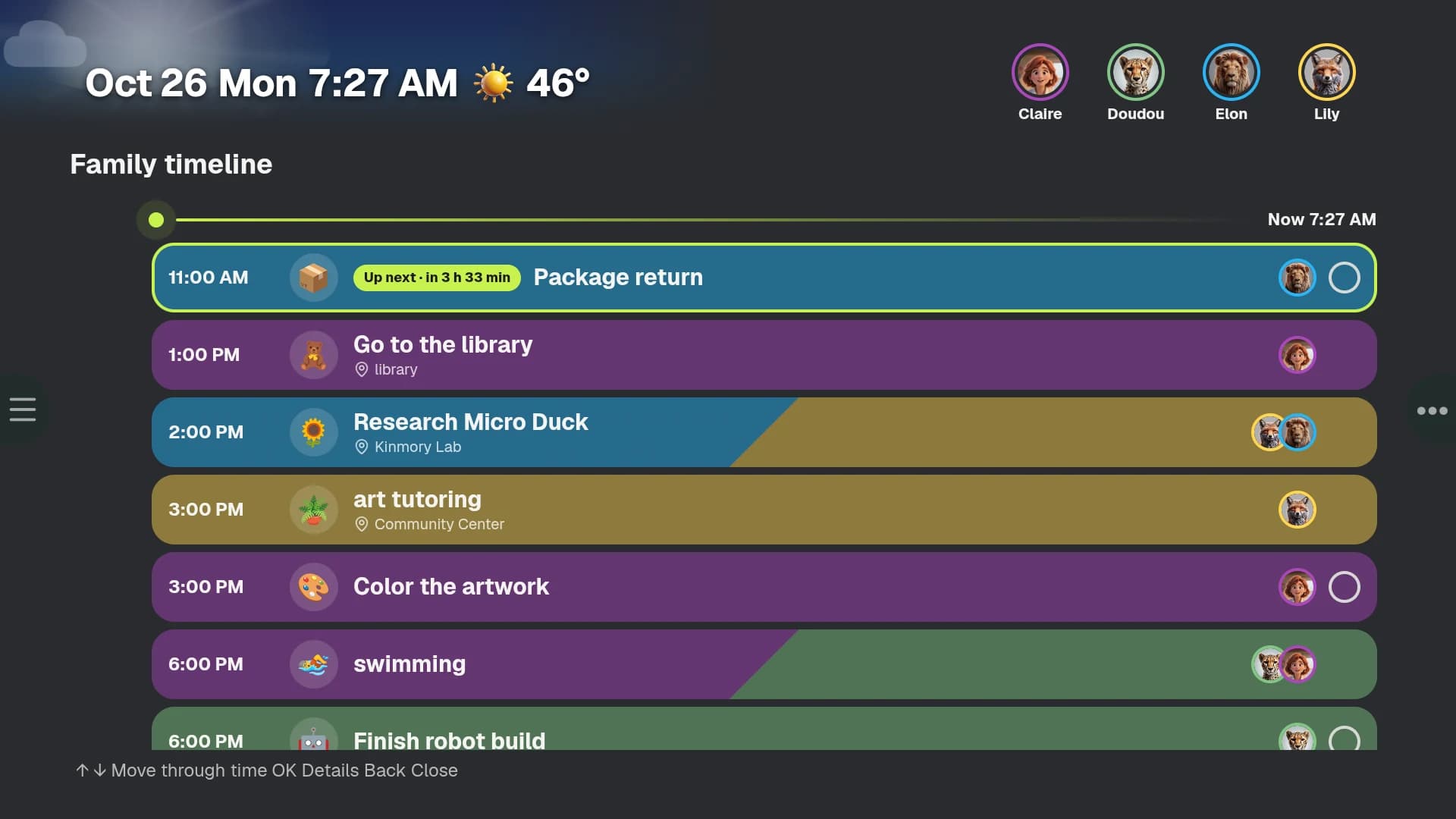
A clear timeline shows what is happening, when it starts and who is involved.
Remote-first design
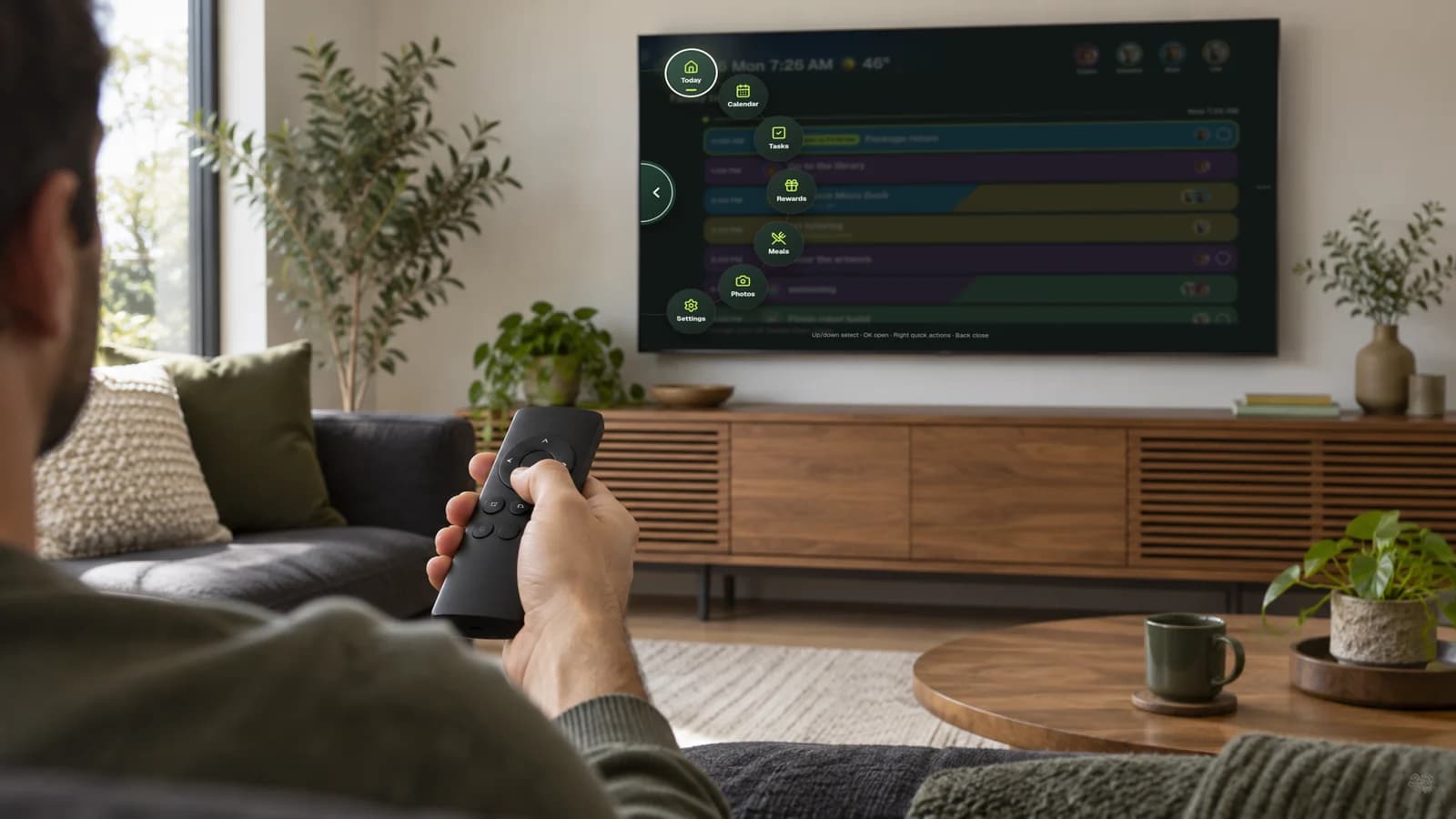
KinTV is not a phone interface stretched across a television. Every view is designed around directional navigation, landscape space and reading from a distance.
The Kinmory family system
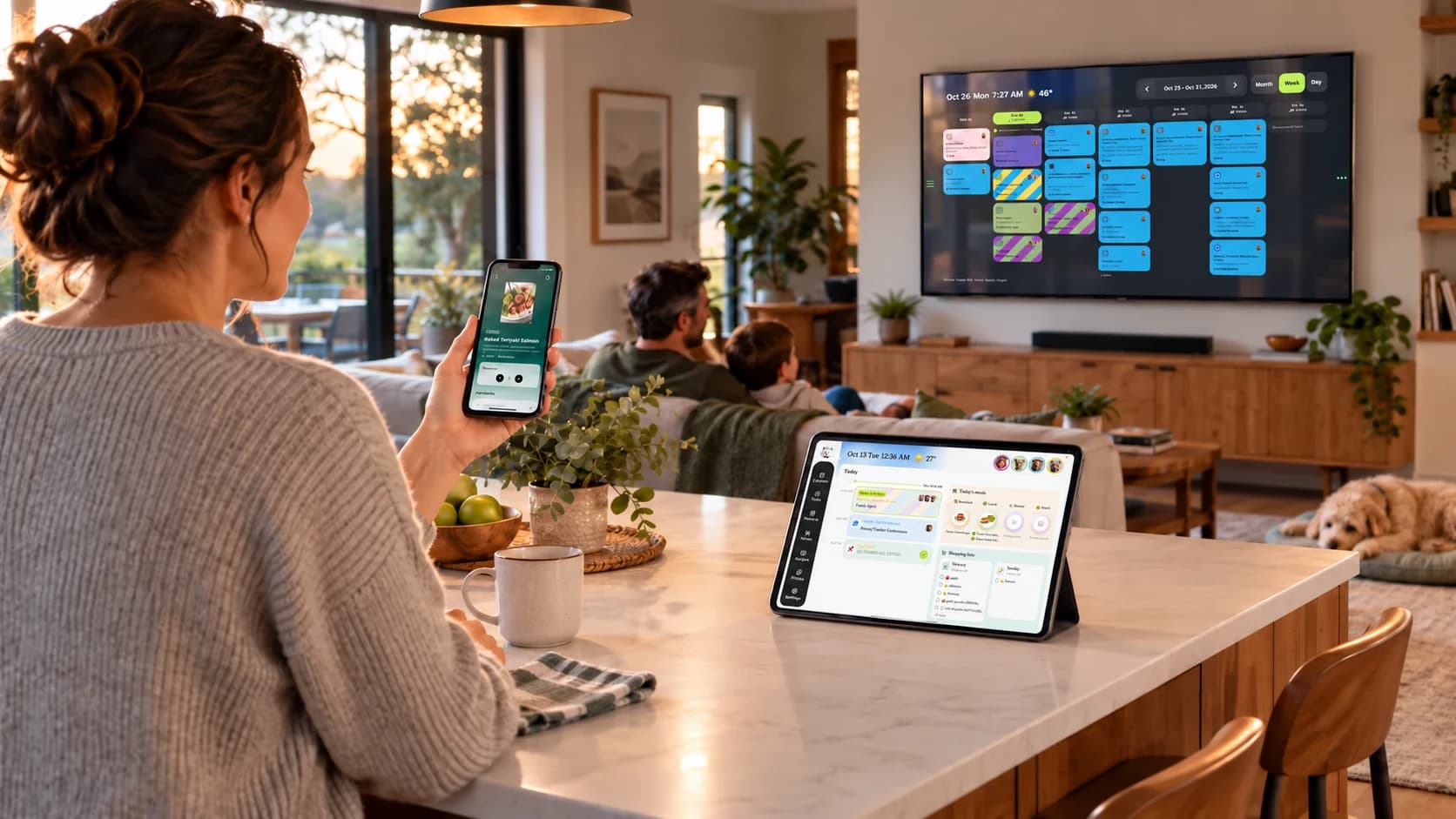
Add information with voice, photos, forwarded messages and AI while the day is moving.
Keep an always-visible, touch-friendly family display on a wall, counter or desk.
Browse a large shared view from the couch with the remote your family already knows.
Four simple steps
On a compatible Android TV or Google TV, open Apps or search from the home screen.
Search for “KinTV,” open the app listing and select Install.
Open KinTV and follow the on-screen steps in the Kinmory app.
Start with Today, then browse Calendar, Tasks, Meals or Photos.
Choose the screen that fits how and where your family actually checks the plan.
Best when
Best for a large shared view in a room with a compatible TV.
Tradeoff
Visible only while the TV is on and KinTV is open.
Best when
Best for an always-visible display with close-up touch controls.
Tradeoff
Needs a tablet, power and a suitable stand or mount.
Best when
Best when the calendar must stay visible throughout the day.
Tradeoff
Adds another device, takes up space and may require a plan.
Compatibility and setup
KinTV is a family calendar app for compatible Android TV and Google TV devices. It brings your Kinmory family schedule, tasks, rewards, meals and photos to the television.
Yes. Install KinTV on a compatible Android TV or Google TV, then pair it with the Kinmory app. The family can browse the shared plan with the TV remote while KinTV is open.
KinTV is designed for compatible Android TV and Google TV devices. Availability may vary by device, operating system version and country, so check the KinTV listing in Google Play on your TV.
No. KinTV currently supports compatible devices that run Android TV or Google TV. Samsung Tizen, LG webOS, Roku, Fire TV and Apple TV are not currently supported.
Yes. KinTV uses the Kinmory app for family setup, pairing and everyday organization. Both products use the same family account and shared information.
Yes. Use the arrow buttons to move the selection, OK to open an item and Back to return.
Yes. Connect Google Calendar to Kinmory, and events that sync to the Kinmory family calendar can also appear in KinTV. Sync behavior may vary by account and app version.
Switch away from KinTV and use your television normally. KinTV does not remain over other TV apps, and the family plan is not visible after the television is turned off.
Install KinTV on a compatible Android TV or Google TV, then connect it to the Kinmory app.