
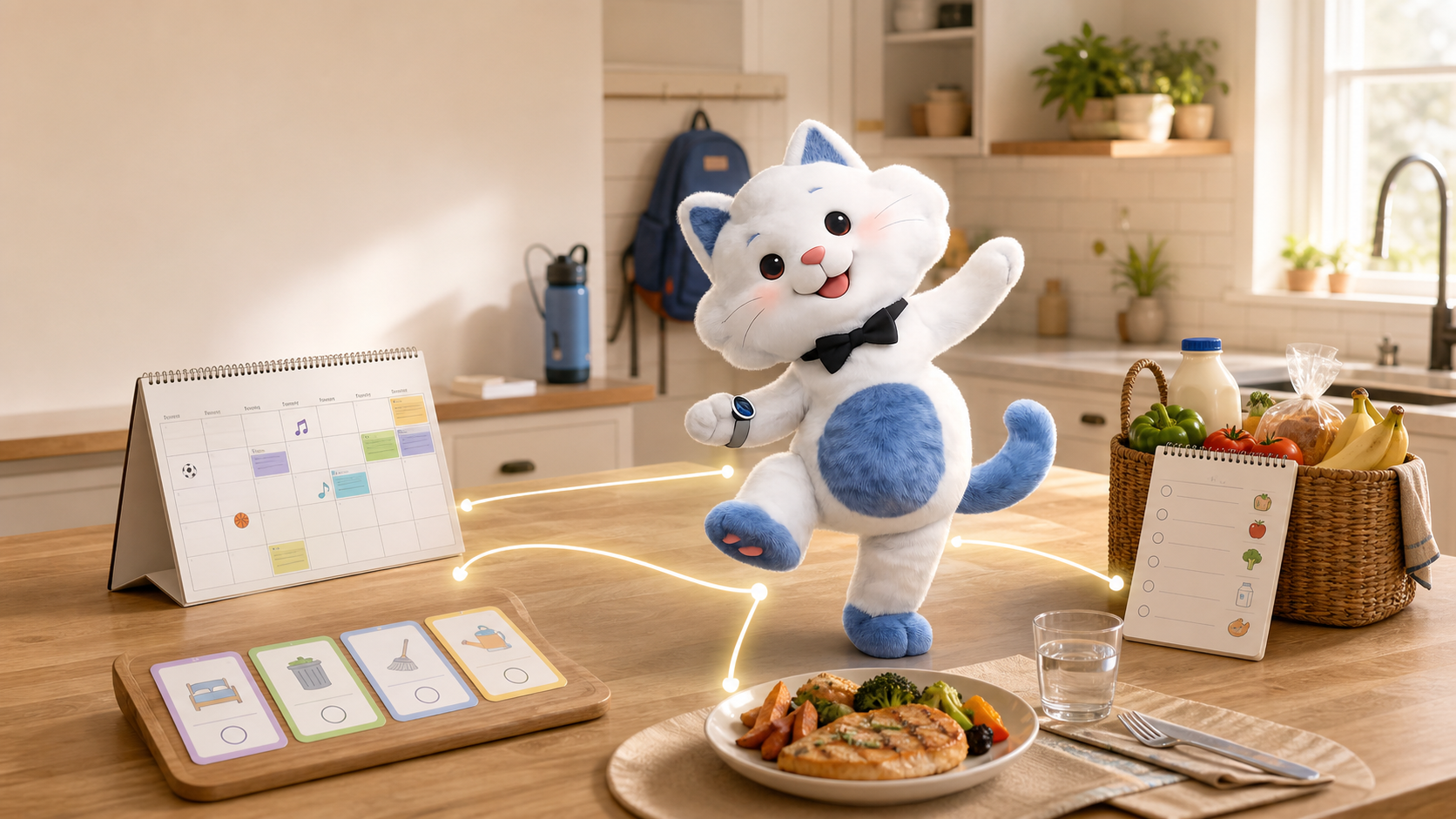
What Is an All-in-One Family Organizer?
See how a family organizer connects calendars, assigned chores, meal planning and grocery lists—and when a simpler shared calendar is enough.
An all-in-one family organizer is a shared system that connects the family calendar with household tasks, meal planning and grocery lists. The useful distinction is not how many tabs it has. It is whether information can move between them without one parent rebuilding the plan by hand.
The problem is usually not the calendar
A family can have a perfectly synchronized calendar and still feel disorganized. The dentist appointment is visible, but nobody owns the task of collecting the child early. Dinner is planned, but the ingredients never reach the shopping list. The school newsletter was read once, but its contact details cannot be found a month later.
In community discussions, parents rarely ask for a product using a complete feature checklist. They ask what system actually works, how to stop maintaining several apps, or how to prevent one person from remembering every schedule, form, meal and household responsibility. That is the job an all-in-one organizer is meant to address.
Four connected jobs—not four unrelated features
| Family job | A disconnected setup | A connected workflow |
|---|---|---|
| Schedule | Events are entered and viewed in a calendar. | An event can lead to the preparation tasks the family must complete. |
| Household work | A list exists, but one parent still delegates and reminds. | Tasks have owners, recurrence and visible completion. |
| Meals | A meal plan is written separately from the week. | Meals fit the actual family schedule and connect to recipes. |
| Shopping | Ingredients are copied into another app. | Recipe ingredients enter a shared grocery list used for ordering. |
A realistic example: Thursday dinner
- The family calendar shows a late soccer practice on Thursday.
- The family chooses a quick dinner that fits the available window.
- The recipe supplies a reference ingredient list and preparation steps.
- Missing ingredients move into the shared grocery list.
- A parent can continue the order in Instacart where the service is available.
- A preparation task can be assigned instead of remaining in one person's head.
No single step is revolutionary. The value is that the family does not have to reconstruct the same decision across a calendar, a task app, a recipe app and a shopping app.
What should an all-in-one family organizer include?
- A genuinely shared calendar: family members and external calendars can be viewed together.
- Task ownership: recurring household work can be assigned and completed visibly.
- Meal-to-shopping continuity: meal plans and recipes can become an actionable grocery list.
- More than manual entry: school emails, newsletters, screenshots or photographed notices can become suggestions the user reviews.
- Searchable family information: selected documents and past newsletters can be queried later, with the original source available for checking.
- Clear privacy controls: the family decides which sources are connected, private or shared.
When a basic calendar is the better choice
If your family only needs to see appointments, a free shared Google or Apple calendar may be the simpler and better option. An all-in-one organizer becomes more valuable when the schedule repeatedly creates tasks, meals, shopping decisions and information that must be found again.
A dedicated wall display can also be the better choice when the primary problem is visibility and the family specifically wants a large fixed screen. Software-first tools are more appropriate when the goal is to reuse phones, tablets and the web while reducing manual handoffs.
Where Kinmory fits
Kinmory Family Organizer connects shared calendars, assigned and recurring tasks, meal plans and grocery lists. It can turn supported family inputs into event or task suggestions, export a grocery list to Instacart and use Family Memory to search selected newsletters, files, calendars and tasks with source-linked answers.
Choose Kinmory when you want the handoffs between these jobs and want to use phones, tablets or the web. Do not choose it solely because you want a large dedicated wall display, or if a basic shared calendar already solves the whole problem.
If you are still comparing the broader category, see our tested guide to the best family calendar apps.
Questions to ask before choosing any family organizer
- Can each household task have an owner, not just a checkbox?
- Can a meal plan create or update the grocery list?
- Can the family use devices it already owns?
- Can school information become events, tasks or searchable reference information?
- Can users verify an AI answer against the original source?
- Which features are paid, and which external services vary by location?
Frequently asked questions
What is an all-in-one family organizer?
It is a shared household system that connects schedules, assigned tasks, meal planning and grocery lists so the family does not have to rebuild the same plan across several apps.
Is a shared family calendar enough?
It can be enough when the family only needs shared appointments. An all-in-one organizer becomes more useful when events repeatedly create preparation tasks, meal decisions, shopping needs or information the family must find later.
Who should choose Kinmory?
Choose Kinmory when your family wants to use supported phones, tablets or the web and connect calendars, task ownership, meals, shopping and selected family information. It is not the best fit when the main requirement is a large dedicated wall display.
Does Kinmory automatically make every household decision?
No. Kinmory can organize information and propose supported events or tasks, but users review important actions, decide who owns work and control what information is private or shared.
Related reading
- How Children Build Self-Direction in Grades 2–4
An evidence-informed framework for helping children start tasks, regulate effort, and become less dependent on adult prompting.
- A Family Organization System Should Survive a Busy Week
A resilient family organization system favors quick capture, visible next actions and easy recovery over perfect routines and constant maintenance.
- The Family Information Handoff Problem
A practical way to stop school notices, appointments and family tasks from getting lost between inboxes, conversations and calendars.
- Muse for Families? Meet Kinmory.AI
Muse is a personal AI agent. Kinmory.AI is the family-facing counterpart: an AI assistant built around shared information, memory, and follow-through.
Bring your family's plans into one place.
Use Kinmory on the web or phone to share calendars, tasks, meals and the information your household needs next.

Scan to Download
Point your camera here
kinmory.ai/download/kinmory