
The Always-On AI Butler: Why Your Family Assistant Shouldn't Live in Your Phone (2026)
An always-on AI butler runs on a screen your family already sees, not an app you open. Why ambient beats in-app for family organization — and how to get it with no new hardware.
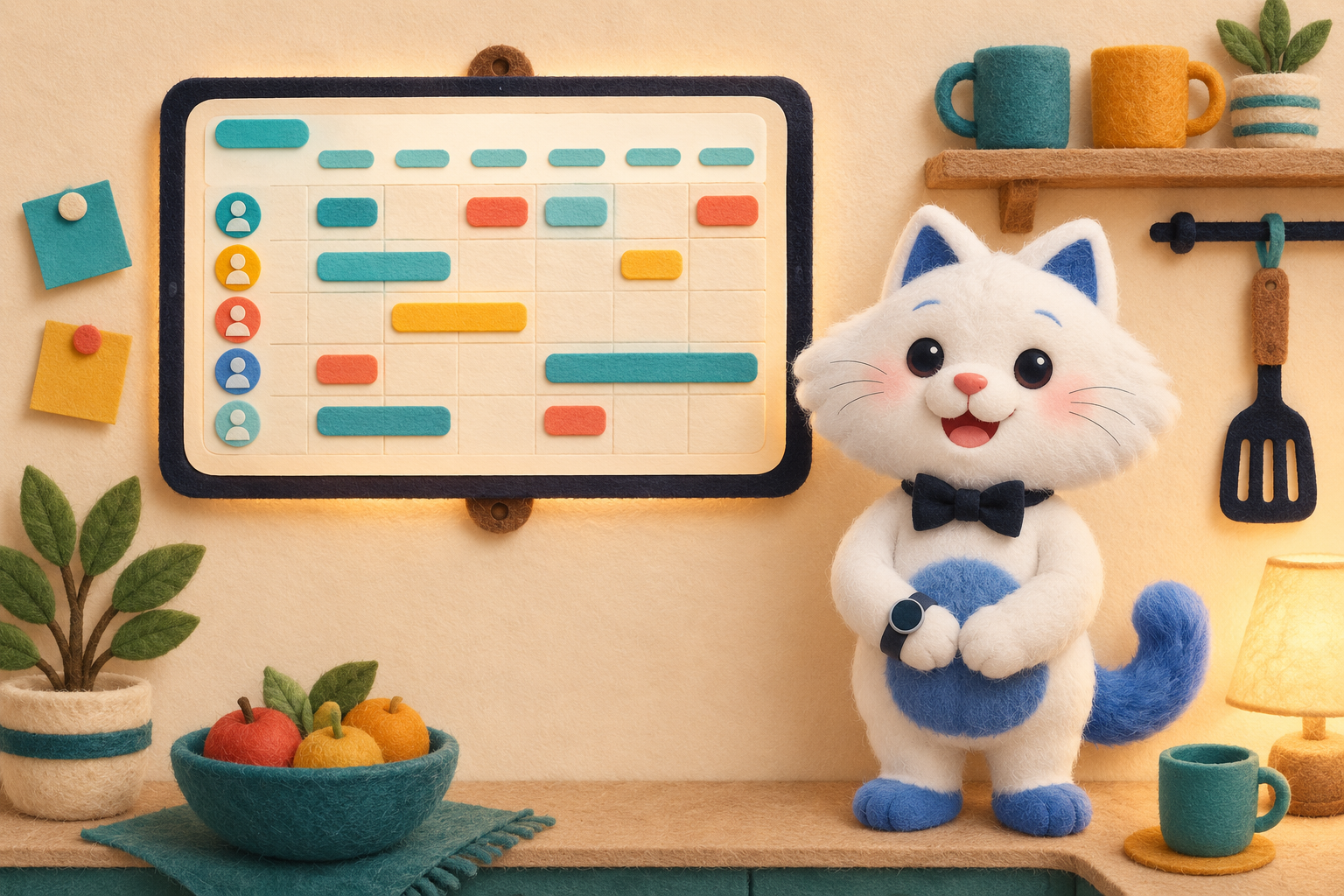
An always-on AI butler is a family assistant that doesn't wait in an app you have to open — it lives on a screen your family already passes, showing today's schedule, tasks and meals at a glance and updating itself in the background. Same proactive AI as a phone assistant, but ambient: on the wall, not buried on a home screen.
Most AI family assistants are apps. Powerful ones — they read your emails, plan your meals, sort your calendar. But they share one quiet flaw: someone has to remember to open them. And the whole point of a family assistant is to stop relying on one person remembering things. This is the case for the always-on version — and why you don't need to buy hardware to get it.
The problem with an AI butler that lives in an app
An in-app assistant is one more thing to check. It sits behind a tap, on one parent's phone, and everyone else in the house is blind to it. So the "shared" family calendar isn't really shared — it's shared with whoever opens the app. The mental load doesn't move; it just changes shape, from "remember the dentist appointment" to "remember to open the app that remembers the dentist appointment."
A real butler isn't someone you summon and re-brief every time. It's present. It already knows the household and surfaces the right thing at the right moment — in the hallway, at breakfast, on the way out the door. For software, "present" means always-on and glanceable to everyone, not one tap deep on one person's phone.
Phone-only vs. always-on vs. a dumb display
There are three ways a family runs its day on screens, and they're not the same thing:
Phone-only AI assistant
Smart and proactive, but private and on-demand. It carries real intelligence — yet it only helps the person holding the phone, when they choose to look. Great for you; invisible to the family.
A dedicated wall display
Always-on and visible to everyone — but it's mostly a display. It shows the schedule you still maintain by hand, and it costs $300–$600 (often plus a yearly subscription) for the privilege of a second screen that does less thinking than the free app on your phone.
An always-on AI butler
The combination the other two are each missing half of: the proactive AI of the phone assistant, running always-on and glanceable like the wall display — reading emails onto the calendar, planning meals, assigning chores — where the whole family can see it. Present, not summoned. Intelligent, not just a screen.
You don't need new hardware to go always-on
Here's the part the wall-display marketing would rather you didn't notice: "always-on" is a placement, not a product. The intelligence is software — it runs on the phone in your pocket and on any tablet, smart display, or the old iPad in a drawer. Mount that with a ~$15 stand in the kitchen and you have an always-on family dashboard for the cost of a takeout lunch, not a $400 appliance.
That's the whole design idea behind our own app, Kinmory (so treat us as biased): the same AI runs on your phone and, through KinCals on any tablet you already own, turns it into the always-on family screen — no new hardware required. If you want the step-by-step, we wrote how to turn any tablet into a family calendar and the broader setup in the family command center guide.
What "always-on" actually changes, day to day
- One source of truth everyone sees. The calendar on the wall is the calendar — no "did you check the app?" because nobody has to.
- A morning briefing that just appears. Today's events, whose turn for what, what's for dinner — on the screen at breakfast, not waiting behind a notification.
- Kids run their own day. A screen at kid height means they check their own schedule and chores instead of asking you.
- The load actually lifts. When the household's plan is ambient, it stops living in one parent's head — which is the entire job of a family assistant.
In-app vs. wall display vs. always-on AI butler
| Setup | What it does for you | Typical cost |
|---|---|---|
| In-app AI assistant (phone only) | Proactive and smart — but you have to open it, and only the phone's owner sees it. | Free–$20/mo |
| Dedicated wall display (Skylight, Hearth) | Always-on and visible, but a screen you still maintain by hand. | ~$300–$600 + ~$79/yr |
| Always-on AI butler (Kinmory) | Proactive AI that runs the family's day and is glanceable to everyone — on a screen you already own. | Free · Plus $6.99/mo · Group $16.99/mo |
When phone-only is enough
Honest take: if you're organizing mostly for yourself, or the family has no shared screen and never gathers around one, a phone-only assistant is completely fine — don't add a wall tablet you won't look at. The always-on setup earns its keep when a household is coordinating: multiple people, multiple schedules, and a kitchen or entryway everyone passes. That's when ambient beats in-app.
Frequently asked questions
What is an always-on AI butler?
An always-on AI butler is a proactive family assistant that runs continuously on a screen your family already sees — a mounted tablet or smart display — instead of waiting inside an app you open. It reads emails onto the shared calendar, plans meals, assigns chores, and shows a glanceable daily view that updates itself, so the household's plan is ambient rather than locked in one person's phone.
How is it different from an AI assistant on my phone?
Same underlying AI, different placement. A phone assistant is private and on-demand — it only helps whoever opens it. An always-on butler puts that intelligence where the whole family can see it, so the shared calendar is actually shared and the mental load stops depending on one person checking an app.
Do I need to buy a special device to make it always-on?
No. "Always-on" is a placement, not a product. The AI is software that runs on your phone and on any tablet or old iPad you already own; a ~$15 wall mount makes it an always-on kitchen display. You don't need a $300+ dedicated screen. Kinmory's KinCals is built to run on tablets you already have.
Is an always-on display worth it over just using my phone?
It depends on your household. For a single organizer with no shared screen, a phone is fine. For a family coordinating multiple people and schedules, an always-on screen everyone passes removes the "did you check the app?" step and lets kids run their own day — that shared visibility is the main benefit.
How much does an always-on AI butler cost?
The app itself has a free tier, with paid plans roughly $7 to $17 per month; the always-on screen can be a tablet you already own plus a ~$15 mount. That compares with $300 to $600, plus a yearly subscription, for a dedicated wall device.
Related reading
- TimeTree vs Cozi (2026): Which Family Calendar Wins?
TimeTree vs Cozi in 2026: real prices, free tiers, features, and who each family app is for — plus where an AI option like Kinmory fits.
- The ADHD App Graveyard: Why Productivity Tools Don't Stick
Abandoned planners aren't a discipline problem. A calendar's input box sits after the hard thinking—so it offloads the cheapest part and adds a step.
- Intention Offloading: The Science of External Reminders
External reminders cut forgetting from about 45% to 5%. The surprising part: people already offload more than is optimal — and they know why they do it.
- ADHD and the Mental Load: A Gap in the Research (2026)
Cognitive labor has been studied with gender as the variable — never executive function. We map four literatures and the gap where ADHD households fall.
Bring your family's plans into one place.
Use Kinmory on the web or phone to share calendars, tasks, meals and the information your household needs next.

Scan to Download
Point your camera here
kinmory.ai/download/kinmory