
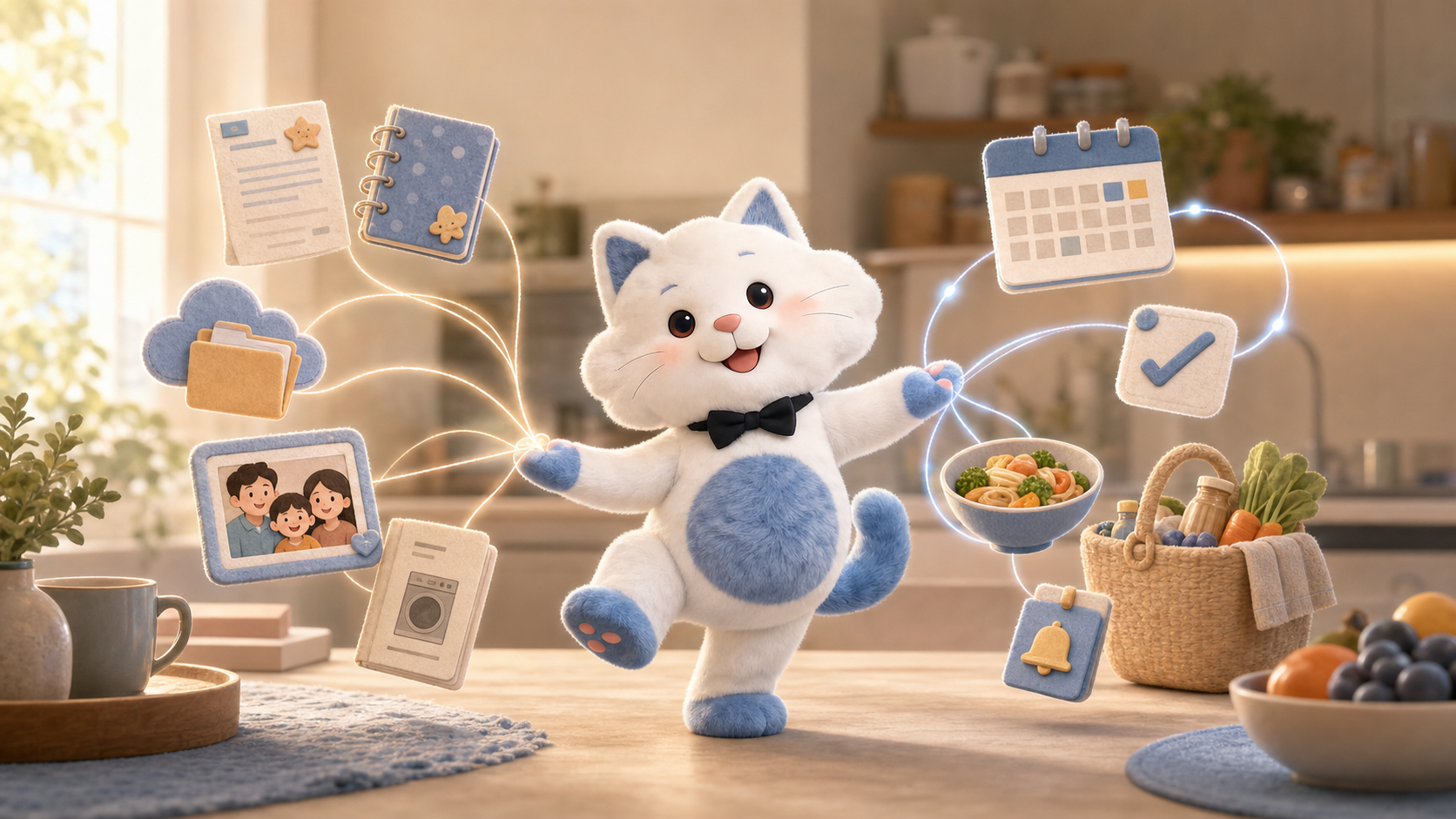
AI Family Assistant for Calendar, Tasks, Meals & Family Info
Kinmory connects family calendars, tasks, meals, shopping, and selected notes and files—so your family can ask, find answers, and take the next step.
An AI family assistant that knows your family—and helps life move forward
Kinmory brings your family calendar, tasks, meals, shopping, and the notes and files you choose into one AI family assistant. Ask naturally, find the answer, and turn it into the next useful step.
An AI family assistant helps a household organize shared schedules, tasks, meals, shopping, and everyday information through natural conversation. Kinmory can also answer from selected family notes and files, show where the answer came from, and help turn that information into the family's next action.
Most family organizers are good at one half of family life. A calendar knows what happens next, but not what the school document said. A cloud drive holds the document, but does not know that the date belongs on the family calendar. A meal planner suggests dinner, but may not see that everyone gets home late on Thursday.
Kinmory is designed around the whole situation. It can work with structured family plans—calendar events, tasks, meal plans, and shopping lists—and with the less orderly information families already keep in notes, files, emails, screenshots, and paper notices.
The goal is not to give a family another complicated AI tool to learn. It is to let ordinary family questions become useful answers and actions.
It is 7:38 a.m. Lily has her backpack on. Someone remembers a school project, but nobody is sure whether it is due today.
One assistant for what your family knows and what your family does
Find information you already saved
Ask about selected Notion pages, OneNote notebooks or sections, and OneDrive folders. Kinmory can return a relevant answer with a source card so you can open the original page or file.
Understand the current family plan
Calendar events, tasks, meal plans, shopping lists, and family assignments provide the live context around an answer: when it happens, who is involved, and what still needs to be done.
Use the formats family life already sends you
Kinmory can work with typed or spoken requests, supported email content, shared screenshots, and photos of paper flyers. It also supports calendar connections including Google, Outlook, iCal subscriptions, TeamSnap, Yahoo, and Cozi.
Move from an answer to an action
A useful family assistant should not stop at “I found it.” Depending on the request, Kinmory can help create or organize a calendar event, task, meal plan, recipe, or shopping list.
From “Where is it?” to “What do we do next?”
This is the practical difference between a chatbot and a family butler. A chatbot waits for an isolated question. A family butler understands the household context around the question and helps the family continue from there.
What Kinmory can help with
| Family need | Example request | How Kinmory helps |
|---|---|---|
| Calendar | “Add soccer practice every Thursday at 5.” | Create and organize family events from natural language and supported inputs. |
| School information | “What does Lily need to bring tomorrow?” | Find relevant information in selected sources, display the source, and help create the next task or event. |
| Tasks | “Make a checklist for the school trip.” | Turn a family goal or relevant information into concrete tasks. |
| Meals and recipes | “I want to make chicken curry. What do I need?” | Provide an AI-generated reference recipe with ingredients and steps, then help organize the meal and shopping list. |
| Shopping | “Add the recipe ingredients to our shopping list.” | Prepare a shared list; supported shopping lists can be transferred to Instacart for checkout. |
| Family files | “What model is our refrigerator filter?” | Look in selected notes or files and show the original source for verification. |
| Subscription spending | “How much did I spend on software subscriptions this month?” | For supported Gmail-connected information, help summarize relevant subscription spending. Users should verify financial conclusions against original records. |
| Family photos | “Make this family photo look like a watercolor.” | Store and display photos, and use supported AI editing to change backgrounds or visual styles. |
AI should fit family life—not the other way around
People should not need to learn prompts, design a database, or understand how AI retrieves information before it becomes useful at home. Kinmory is designed around familiar actions:
Talk like you normally talk
Ask a question or describe what needs to happen. Kinmory interprets the request in the context of family organization.
Share what you already have
Forward supported email information, share a screenshot, photograph a paper flyer, connect a calendar, or select existing notes and folders.
Let everyone find the answer
Information marked for family sharing can be available to family members, so one parent does not have to remain the household's human search engine.
Check before you trust
Source cards let users return to the original material. When records disagree, Kinmory can preserve the difference and ask for confirmation.
Memory Home makes the assistant family-aware
Memory Home is the part of Kinmory that helps retrieve information from content a user deliberately connects. It is not a replacement for Notion, OneNote, or OneDrive. The original pages and files stay in their source applications.
Users choose which Notion pages, OneNote notebooks or sections, and OneDrive folders Kinmory may use. Unselected content is not available to Memory Home. A source can be private or shared with the family, and personal sources are not automatically exposed to other family members.
That memory becomes more useful when it meets the rest of family life. A school deadline can be understood beside the calendar. A recipe can become a meal and shopping list. An appointment note can lead to a preparation task. Kinmory is most useful not when it remembers everything, but when it connects the right information to the right next step.
Where Kinmory is different—and where it is not
| Approach | What it does well | What still falls on the family |
|---|---|---|
| Shared calendar | Makes dates and schedules visible. | The family still has to find supporting information and manually turn it into action. |
| Cloud drive or family wiki | Stores documents and detailed knowledge. | Family members need to know where to look and how the filing system works. |
| General AI chatbot | Answers general questions and generates ideas. | It may not have the household's selected sources, shared plans, or family roles. |
| Kinmory AI family assistant | Brings structured family plans together with selected family information and supports the next action. | Users still choose the sources, review sensitive answers, and confirm uncertain or conflicting details. |
Current limits matter
Kinmory does not search an entire connected account by default. It only uses content the user selects. OneDrive photo retrieval currently relies mainly on filenames, dates, and folder information rather than general visual understanding. Permission changes take effect after a webhook, scheduled sync, or manual sync, so they are not guaranteed to be instantaneous.
Disconnecting or revoking a source prevents that source from participating in future answers. This page does not claim that every stored derivative is instantly physically deleted. Kinmory also cannot automatically determine the truth or freshness of every conflicting record; users should review original sources for medical, legal, and financial decisions.
Frequently asked questions
What is the difference between an AI family assistant and a family calendar?
A family calendar primarily organizes dates and schedules. An AI family assistant can also help with tasks, meal planning, shopping, and family questions. Kinmory combines those structured plans with selected notes and files so users can find supporting information and take the next step.
Can Kinmory answer from more than one source?
Yes. Kinmory can use relevant information from supported connected sources and Kinmory family data in one answer, while distinguishing where the details came from. Source availability and visibility still depend on the user's selections and permissions.
Does Kinmory replace Notion, OneNote, or OneDrive?
No. Kinmory helps users ask questions across selected content and family plans. The original pages and files remain in Notion, OneNote, or OneDrive and can be opened from their source cards.
Can every family member see everything I connect?
No. Users choose whether a supported source is private or shared with the family. Connecting a personal source does not automatically make it visible to other family members.
Does Kinmory automatically monitor my entire inbox or cloud drive?
No. Email parsing and Memory Home access depend on supported workflows and content the user deliberately provides or selects. Kinmory should not be described as continuously monitoring every message, page, file, or folder in an account.
What happens when two records disagree?
Kinmory can show the different records and their sources so the user can confirm which one is current. It should not silently assume that the most recently edited file is necessarily correct.
Bring AI home
Ask what the kids need tomorrow. Find the appointment note. Plan dinner around the day ahead. Then turn the answer into the next useful step.
Try KinmoryExplore the family assistant in real situations
Turn school newsletters into family plans
See which school information can be parsed today, which inputs need deliberate sharing, and when calendar subscriptions are a better fit.
Stop keeping every family fact in one person's head
Learn why a shared calendar does not solve the “where is it?” problem—and what information belongs in a shared family memory.
Make the family assistant visible at home
Understand when an always-on family screen helps and when a phone-only assistant is enough.
Build a practical family command center
Compare paper, shared digital tools, and AI-supported family organization without buying unnecessary hardware.
Related reading
- Muse for Families? Meet Kinmory.AI
Muse is a personal AI agent. Kinmory.AI is the family-facing counterpart: an AI assistant built around shared information, memory, and follow-through.
- Why Busy Families Need an AI Assistant, Not Another Calendar
Kinmory.AI is an AI assistant for families that helps households understand scattered information, remember context, and take the next step.
- A Family Organization System Should Survive a Busy Week
A resilient family organization system favors quick capture, visible next actions and easy recovery over perfect routines and constant maintenance.
- The Family Information Handoff Problem
A practical way to stop school notices, appointments and family tasks from getting lost between inboxes, conversations and calendars.
Bring your family's plans into one place.
Use Kinmory on the web or phone to share calendars, tasks, meals and the information your household needs next.

Scan to Download
Point your camera here
kinmory.ai/download/kinmory