
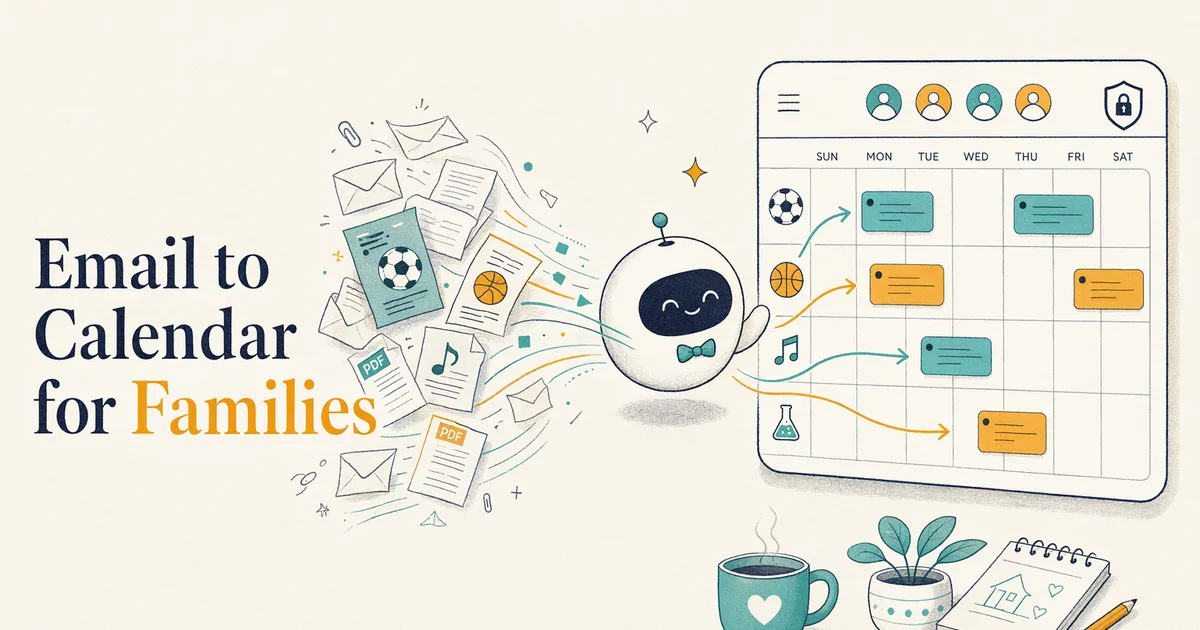
Best Email-to-Calendar Apps for Families (2026)
Compare email-to-calendar apps by automatic collection, forwarding, sender controls, family sharing, privacy limits and best use.
The best email-to-calendar app depends less on “AI” than on three practical questions: who has to notice the message, which senders the app is allowed to analyze, and where the extracted information goes. Kinmory supports deliberate forwarding as well as automatic collection with an all-email, whitelist, or blacklist scope, so families can reduce manual capture without treating inbox access as all-or-nothing.
How does email-to-calendar automation work?
There are two main capture models. With user-selected sharing, you choose an email and forward or share it with the app. With connected import, you authorize automatic collection. Kinmory now lets the user narrow that automatic scope: analyze all new collected mail, analyze only senders on a whitelist, or analyze everything except senders on a blacklist.
- User-selected sharing: tighter message-by-message control, but you still have to notice and submit the message. Kinmory supports deliberate forwarding.
- Connected email import: automates more of the noticing step. Kinmory supports sender-controlled automatic collection; Maple documents selected-sender import from services such as Gmail and Outlook.
A third path is often better for structured schedules: subscribe to the school's or team's official calendar feed. Kinmory supports iCal subscriptions, Google Calendar, Outlook Calendar, and TeamSnap calendars.
Email-to-calendar apps compared
The table focuses on documented capture and destination, not a universal “best.” Prices and regional limits change quickly, so use each vendor's current plan page before buying.
Best for controlled, whole-family planning: Kinmory
Choose Kinmory when an email may need to become a calendar event, an assigned task, or reference information the family can retrieve later—and when you want explicit sender controls over automatic collection.
Choose a narrower tool instead
If you only want occasional personal email-to-calendar conversion and do not need shared tasks, family knowledge, or multiple family surfaces.
| App | Documented capture model | Calendar/family fit | Best for |
|---|---|---|---|
| Kinmory Official website: kinmory.ai | Sender-controlled automatic collection or deliberate forwarding; photo, screenshot, URL, voice, and supported calendar sources | Calendar events, assigned tasks, and source-linked Family Memory across phone, web, tablet, widgets, and smart displays | Families that want controlled intake, shared planning, and information retrieval in one system |
| Sense | Forwarded email plus photo, screenshot, URL, text, and voice capture | Shared family calendar with reminders, lists, chores, and meals | Families wanting a broad capture-first organizer with a strongly demonstrated email workflow |
| Jam Family Calendar | Forwarded email, photo, and voice capture through its AI assistant | Shared family calendar, to-dos, lists, and caregiver access | Families wanting email-to-calendar automation with a guided family-calendar experience |
| Maple | Connected email from selected senders; AI-assisted extraction | Shared family email and calendar | Families prioritizing selected-sender inbox import |
| Smart Calendars AI | Email, photo, screenshot, PDF, text, and webpage capture | Apple, Google, and Outlook destinations; personal-calendar focus | A flexible single-purpose converter |
| Google Calendar | Automatic creation of some events from Gmail | General calendar sharing | An existing Google household with structured confirmations |
Disclosure: Kinmory is our own app and is one of the options above. Automatic collection is optional and sender-scoped; it does not imply support for every mailbox, scheduled school-website crawling, direct school-portal integration, universal attachment parsing, or SMS ingestion.
Kinmory—best when school email is one part of family planning
Kinmory can parse an email after a parent actively forwards it, or after a connected mailbox automatically collects a new message that passes the user’s analysis-range rules. Parents can also share screenshots, upload photos of paper flyers, or connect supported calendars. In whitelist mode, only matching senders are analyzed; in blacklist mode, matching senders are skipped before their subject, body, MIME data, or attachments are read.
Rules can target an exact address, a domain, *@domain, or a suffix such as *.edu. They affect new automatically collected mail only. Emails deliberately forwarded to Kinmory are always analyzed. See the detailed guide to controlling Kinmory’s email analysis range.
- Automatic email with sender controls, deliberate forwarding, screenshots, flyer photos, and calendar feeds
- Information joins a broader household-planning system
- Connecting a mailbox still requires a deliberate privacy decision and rule maintenance
- No scheduled public-web or school-portal ingestion yet
Who should skip it: choose Sense if you prefer its demonstrated forwarding workflow and household feature set; choose Jam for its guided family-calendar experience; or choose Smart Calendars AI if you want a flexible personal converter rather than a family system.
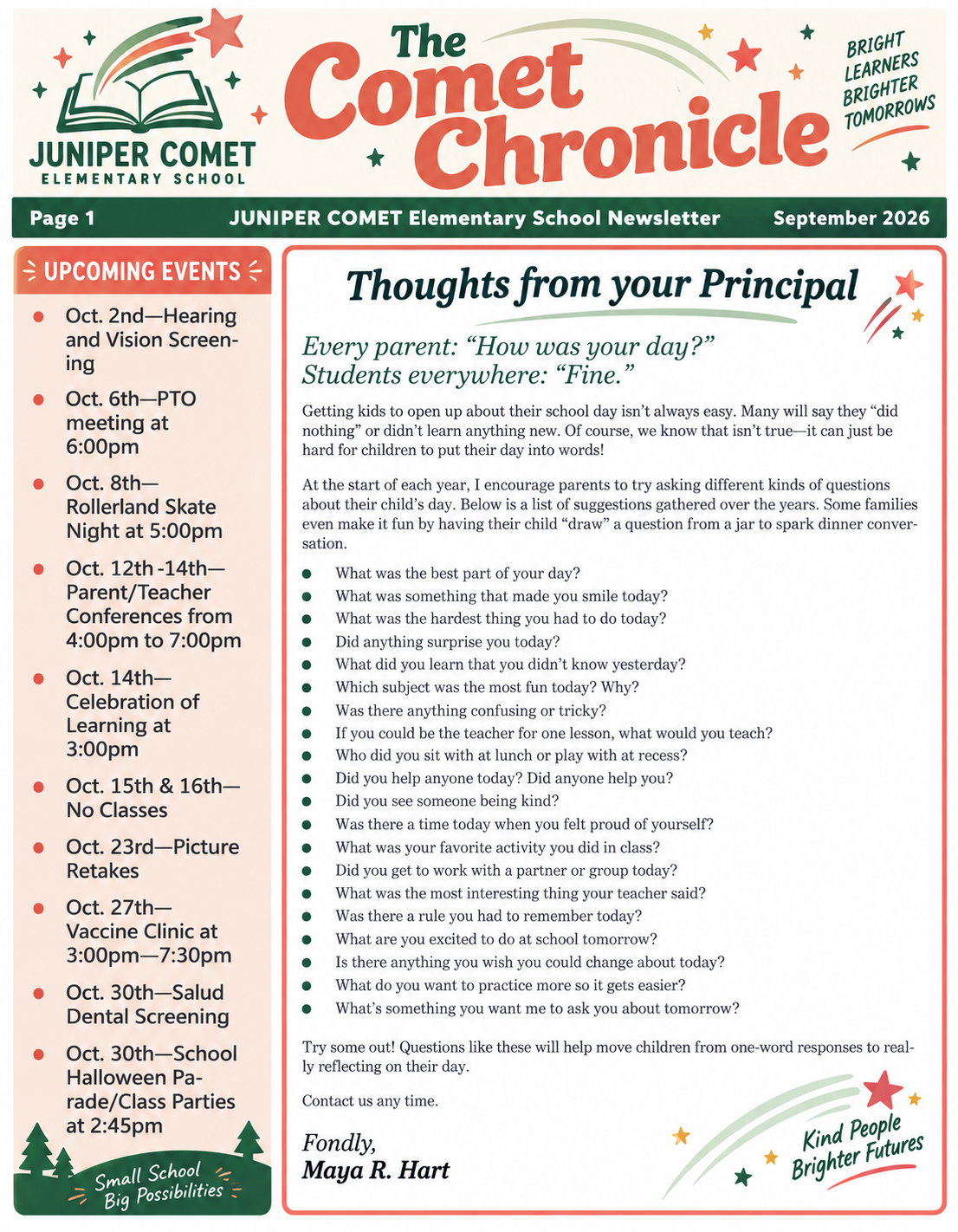
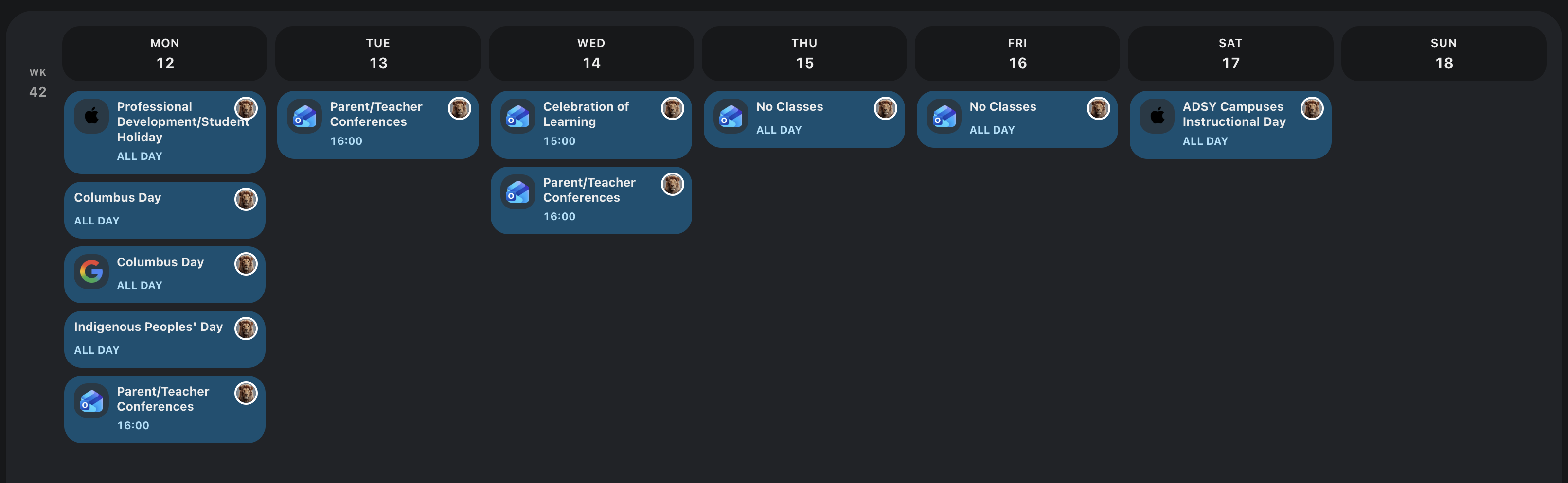
Start with deliberate forwarding or configure sender rules, then review what Kinmory suggests before anything is saved.
Which workflow fits school newsletters?
Use the source that preserves the most information with the least maintenance. Subscribe to an official calendar feed when one exists. When dates appear only in newsletter prose, share the email body. When the announcement is visual, share a screenshot or photograph the paper flyer.
This question now has its own detailed guide so the comparison page does not compete for the same intent. See how Kinmory handles school newsletters today, including automatic collection, deliberate forwarding, and the event/task/memory decision. For the wider household-system decision, compare the best family calendar apps.
For school newsletters, the original source can be kept in Kinmory or saved to a configured supported external storage location such as Dropbox or OneDrive. See the complete newsletter capture, review, and storage workflow. To understand what happens after the inbox is forgotten, read how a family can find information from an old school Newsletter.
What should families check before granting email access?
School communications can contain children's names, locations, schedules, and contact details. Check what the service receives, whether it imports all mail or only selected messages, which subprocessors it uses, how long content is retained, and how deletion works.
For Kinmory, automatic email analysis is controlled per connected mailbox. Users choose all-email, whitelist, or blacklist mode and can test a sender before saving. These rules are analysis controls for new collected mail—not spam filters, mailbox-security settings, or retroactive history controls. Consult the current Kinmory privacy policy for governing data-handling terms.
Frequently asked questions
How do I turn an email into a calendar event automatically?
Choose between deliberate forwarding and connected automatic collection. Kinmory supports both, and connected users can limit automatic analysis to a whitelist or exclude a blacklist. Review the extracted event before adding it to the family calendar.
What is the best email-to-calendar app for parents?
Choose Kinmory for controlled intake, multiple family inputs, source-linked reference information, and household planning. Choose Sense or Jam for their documented family-calendar workflows, Smart Calendars AI for a flexible personal converter, or Google Calendar when its existing Gmail event detection already covers your structured messages.
Can Google Calendar create events from emails?
Google documents automatic creation of some events from Gmail, depending on account and settings availability. Do not assume that every narrative newsletter, screenshot, or flyer will be interpreted.
Does Kinmory monitor every email in my inbox?
No. A user can actively forward selected messages, or enable automatic collection and choose its scope. Whitelist mode analyzes only matching senders; blacklist mode skips matching senders. Excluded new mail is stopped before its subject, body, MIME data, or attachments are read.
Do families need special calendar hardware?
No. Kinmory works with devices families already own and supports external calendar sources, so dedicated display hardware is optional rather than required.
Related reading
- TimeTree vs Cozi (2026): Which Family Calendar Wins?
TimeTree vs Cozi in 2026: real prices, free tiers, features, and who each family app is for — plus where an AI option like Kinmory fits.
- The ADHD App Graveyard: Why Productivity Tools Don't Stick
Abandoned planners aren't a discipline problem. A calendar's input box sits after the hard thinking—so it offloads the cheapest part and adds a step.
- Intention Offloading: The Science of External Reminders
External reminders cut forgetting from about 45% to 5%. The surprising part: people already offload more than is optimal — and they know why they do it.
- ADHD and the Mental Load: A Gap in the Research (2026)
Cognitive labor has been studied with gender as the variable — never executive function. We map four literatures and the gap where ADHD households fall.
Turn one school email into a family plan.
Let Kinmory suggest calendar events, family tasks and reference information. You review what gets saved.

Get the Mobile App
Scan with your phone
kinmory.ai/download/kinmory