
How to Build a Family Wiki Your Family Will Actually Use
Build a family wiki that works in real life: keep trusted sources, let family members find answers, and turn information into the next action.
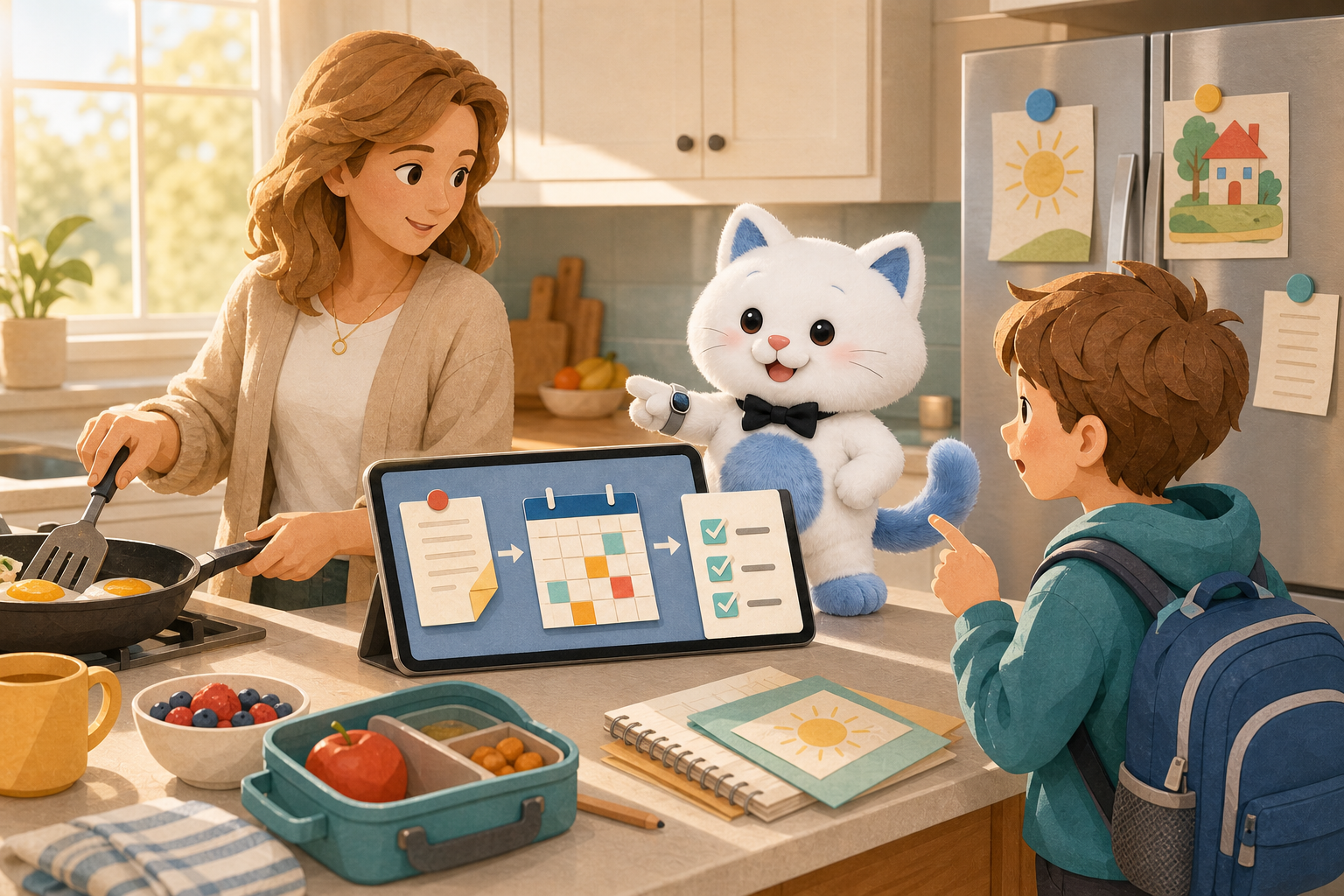
On Sunday night, Maya did everything “right.” She saved the school Newsletter, added the dentist details to OneNote, filed the dishwasher warranty in OneDrive, and updated the family’s Notion page. At 7:38 Monday morning, her son stood in the kitchen wearing his backpack and asked, “Is the plant model due today?” Her partner looked at her too. The family wiki existed. Maya was still the search engine.
Child: “Do I bring the plant model today?”
Old workflow: Search email → open the school folder → find two newsletters → check the calendar → realize the date changed.
Useful workflow: Ask one question → see the likely answer and its source → confirm today’s calendar → add “plant model” to the leaving-home checklist.
What is a family wiki?
That last sentence matters. A beautifully organized collection of pages is not shared knowledge if only its creator understands the structure.
Notion’s official personal wiki guide recommends a home page, sections, and nested pages. That is a sound way to store information. But households have a second problem that workplace knowledge systems often underestimate: the person asking may be eight years old, carrying a lunchbox, and have no idea whether “plant model” lives under School, Lily, Spring Term, Projects, or Inbox.
What is the difference between a family wiki and Family Memory?
Traditional family wiki
Someone writes pages, chooses categories, maintains links, and teaches the household where to navigate. It works best when the family accepts the same structure and keeps it current.
Queryable Family Memory
Information can remain in selected notes, cloud files, and school Newsletter records. A family member asks in everyday language, reviews the source-linked answer, and can take the next calendar or task action.
This is not a claim that AI eliminates maintenance or judgment. Sources still need owners, permissions, and updates. The improvement is that another family member does not have to learn the maintainer's exact folder tree before asking a useful question.
Why do family wikis fail even when the information is there?
A family of five described using Notion for recipes, allowances, and household planning, but the discussion exposed the adoption problem plainly: younger children may not have devices, and another adult may simply not want to use Notion. The system can be excellent for its maintainer and still be invisible to everyone else. Current Family Wiki products such as Cathold reduce setup with shared, nested pages, but the household still needs to browse and maintain that hierarchy.
This is the same pattern behind the household’s invisible information role: one person becomes the only one who knows where the Wi-Fi password, school form, plumber’s number, and appliance details live. A family wiki should redistribute access to those answers, not simply give that person a more elaborate place to file them.
This is also why adding another all-in-one organizer does not automatically solve the problem. Moving every document into a new app creates a migration project. Then someone must keep two worlds current: the places where information arrives and the place where the family is supposed to find it.
How do you build a family wiki people will actually use?
- Write down the questions your family already asks.
For one week, notice the interruptions: “What time is practice?”, “Where is the passport copy?”, “Which filter fits the fridge?”, “What did the school say to bring?”, “Who repaired the heater?” These are better design inputs than a generic folder template. - Choose a trusted source for each kind of answer.
Use the calendar for confirmed dates, a password manager for credentials, and your existing Notion, OneNote, or OneDrive location for notes and documents. Do not duplicate the same fact across five pages unless there is a clear owner. - Create only four starting areas.
School & Activities, Health & Appointments, Home & Repairs, and Travel & Important Documents are enough for most households to begin. Add another area only when a real question has nowhere to go. - Attach context to facts.
“Water filter: RPWFE” is more useful when it includes “kitchen refrigerator,” the source manual, and when it was last checked. A date without the school notice that produced it is harder to trust when plans change. - Test retrieval with someone else.
Ask another family member to answer one question without your help. Watch where they pause. Fix the access path before adding more content.
What belongs in a family knowledge base?
| Information | Best primary home | What the family wiki should provide |
|---|---|---|
| School notices and activity instructions | Selected note or document; confirmed dates in the calendar | What to bring, where to go, the latest available source, and today’s related event |
| Appointments | Calendar for time; source document or note for reference details | A combined answer that keeps the schedule and supporting record distinct |
| Appliance models and manuals | OneDrive folder or selected note | Model, part number, relevant instructions, and link to the original manual |
| Travel plans | Calendar plus selected itinerary and packing notes | Departure time, document location, and the next preparation task |
| Recipes and meal notes | Existing recipe page or notebook | Find the recipe, connect it to a meal, and identify missing shopping items |
| Passwords, alarm codes, recovery keys | Shared password manager | Point family members to the approved password system—not copy secrets into casual notes |
| Medical records and legal originals | Appropriate secure record system | Help locate a user-selected record and open the source; do not diagnose or replace the authoritative record |
Can AI make a family wiki easier to use?
A 2026 Tom’s Guide account of using NotebookLM as a “family wiki” describes the practical appeal: pulling up a pediatrician’s note, a dishwasher warranty, a recipe, or an IEP report while speaking with a school, doctor, or service provider. The breakthrough is not that families suddenly enjoy document management. It is that the question becomes the interface.
But “AI search” is still only half of family management. A household answer often creates a next action.
Question: “Which filter does the refrigerator use?”
Answer: The model number comes from the selected manual, with a link back to the file.
Next action: Add the correct filter to the shared shopping list.
Question: “What does Lily need for tomorrow’s field trip?”
Answer: Lunch, water bottle, and rain jacket, based on the selected school note.
Next action: Check tomorrow’s event and create a packing task for tonight.
This is the larger opportunity behind an AI family assistant: connect what the family already knows with what the family is doing now—calendar events, tasks, meals, and shopping—without flattening every source into an uncheckable answer.
How does Kinmory work with an existing family wiki?
That means Maya does not have to rebuild her Notion system. She can keep editing the pages she already trusts. Her partner does not have to learn where she nested the school information. The interaction can become:
- “Is the plant model due today?”
- “Show me the school notice this answer came from.”
- “Is it already on our calendar?”
- “Add ‘plant model’ to the leaving-home checklist.”
Kinmory also uses structured family information such as calendars and tasks. The point is not to turn a document folder into a chatbot. It is to keep the source, answer the immediate question, and help the family move from a saved fact to the appropriate next action.
This approach also differs from asking the family to move everything into a new editor. Notion remains Notion. OneNote remains OneNote. Files remain in OneDrive, Google Drive, or Dropbox. Kinmory becomes a family-facing way to ask across the supported content the user has deliberately selected.
Where do school Newsletters fit?
A school Newsletter often contains three different things: a dated activity, something a parent or child must do, and reference information the family may need later. Kinmory can suggest the appropriate destination—calendar event, task, or searchable Family Memory—while leaving the final choice to the user.
The separate guide to finding school Newsletter information weeks later follows the retrieval moment in detail. The existing school Newsletter workflow explains capture methods and the event/task/memory decision.
What should you verify before trusting an AI answer?
For example, a school may send an original event time and later send a correction. “The newest edited file” is not always automatically the most authoritative record. A safer assistant should surface the differing records and ask the user to confirm which one is current.
For recurring school communications, it also helps to separate reference material from scheduling. The original school source should remain available whenever possible, because an older Newsletter can be superseded by a correction.
A 20-minute family wiki setup
- Minutes 0–5: Pick five recent “Where is…?”, “When is…?”, or “What do we need…?” questions.
- Minutes 5–10: Put the authoritative records in one existing location—without reorganizing unrelated files.
- Minutes 10–15: Add context: person, item, date checked, and original source.
- Minutes 15–20: Ask another family member to retrieve one answer and complete the related action.
If they can answer “What do we need tomorrow?” and prepare it without routing the question back to you, the system is already doing more useful work than a perfect but unused household database.
Frequently asked questions
What is the simplest way to create a family wiki?
Start with four areas—School & Activities, Health & Appointments, Home & Repairs, and Travel & Important Documents—and only add information that answers a recurring family question. Keep confirmed dates in the calendar and credentials in a password manager.
Can I use Notion as a family wiki?
Yes. Notion supports pages, subpages, and shared workspaces that can hold household reference information. The practical challenge is adoption: every family member must know how to find the relevant page, or the maintainer remains the household’s search engine.
Does Kinmory replace Notion, OneNote, or OneDrive?
No. Kinmory is designed to use supported content the user selects from Notion, OneNote, OneDrive, Google Drive, and Dropbox. The original information stays in its source application, and available source cards help the family return to the original record.
What is the difference between a family wiki and Kinmory Family Memory?
A family wiki is usually a hierarchy of pages family members browse and maintain. Kinmory Family Memory lets permitted users ask questions across selected supported sources, review available source cards, and connect useful information to calendar or task actions.
Can school Newsletter information become part of a family wiki?
Yes. Useful school reference information can become searchable Family Memory, while dated activities can become calendar suggestions and required actions can become task suggestions. Users review what to keep.
Is Kinmory Family Memory free?
Family Memory uses paid AI features. Kinmory may be free to start, but access to Family Memory depends on the current plan and entitlement shown on the official pricing page.
What is the difference between a family wiki and a shared calendar?
A shared calendar is the authoritative place for scheduled times. A family wiki holds reusable context such as instructions, contacts, manuals, school details, and travel notes. A family assistant is more useful when it can keep those roles distinct and use both when answering a question.
Should medical information and passwords go in a family wiki?
Passwords and recovery keys belong in a dedicated password manager. Medical or legal originals should remain in an appropriate secure system. A family wiki may help an authorized user locate a selected record, but it should not replace specialist storage or professional advice.
Revision history: July 29, 2026—first edition with the 30-second retrieval test and minimum viable setup. August 26, 2026—added Family Wiki versus Family Memory, Google Drive and Dropbox support, school Newsletter retrieval, private/shared scope, paid-AI disclosure, and the source-to-calendar/task workflow.
- Notion. “Your ultimate guide to building a personal wiki in Notion.” Accessed July 29, 2026.
- Tom’s Guide. “I used NotebookLM to make a ‘Family Wiki’—and now everything I need to run the household is a click away.” May 19, 2026.
- Reddit r/Notion. “How I run my family of 5 on one Notion workspace.” Accessed July 29, 2026.
- Cathold. “Family Wiki App | Shared Knowledge Base.” Accessed July 29, 2026.
Related reading
- How to Turn Your TV Into a Family Calendar with KinTV
Turn an Android TV or Google TV into a shared family calendar with KinTV. See schedules, tasks, meals and photos without buying another screen.
- Family Travel Details, Easy to Find | Kinmory.AI
Keep hotel addresses, check-in times, confirmations, and plans together. Practical tips to help the whole family find travel details fast.
- How Children Build Self-Direction in Grades 2–4
An evidence-informed framework for helping children start tasks, regulate effort, and become less dependent on adult prompting.
- A Family Organization System Should Survive a Busy Week
A resilient family organization system favors quick capture, visible next actions and easy recovery over perfect routines and constant maintenance.
Make family information easy to find again.
Connect selected family sources, ask in everyday language and return to the available source before acting.

Get the Mobile App
Scan with your phone
kinmory.ai/download/kinmory